
Download OUTDATEfighter – Software Updater, Malware Scanner, PC Optimization, Uninstaller, System Maintenance, Update Manager
Overview
OUTDATEfighter is a productivity-focused application designed to streamline the maintenance of Windows-based systems. Its primary purpose is to help users keep their installed software up to date by automatically identifying outdated programs and enabling quick updates. The app also integrates malware detection and an uninstaller, positioning itself as a comprehensive tool for system health and performance. By scanning the system for obsolete software, it reduces the risk of security vulnerabilities and performance degradation caused by outdated applications.
Target users include individuals and small business owners who manage personal or office computers and want to maintain optimal system performance without deep technical knowledge. The app is particularly useful for those who frequently install software and may overlook update notifications. Real-world use cases include routine system checks, pre-upgrade preparation, and troubleshooting performance issues caused by outdated drivers or applications.
Although the developer did not provide additional technical details about their background, the app has been available since 2014, indicating a long-standing presence in the system maintenance category. This longevity suggests a level of stability and user trust, even if no recent updates have been publicly documented. In the broader app ecosystem, OUTDATEfighter fills a niche by combining software update management with security and cleanup features in a single interface.
Key Features & Functionality
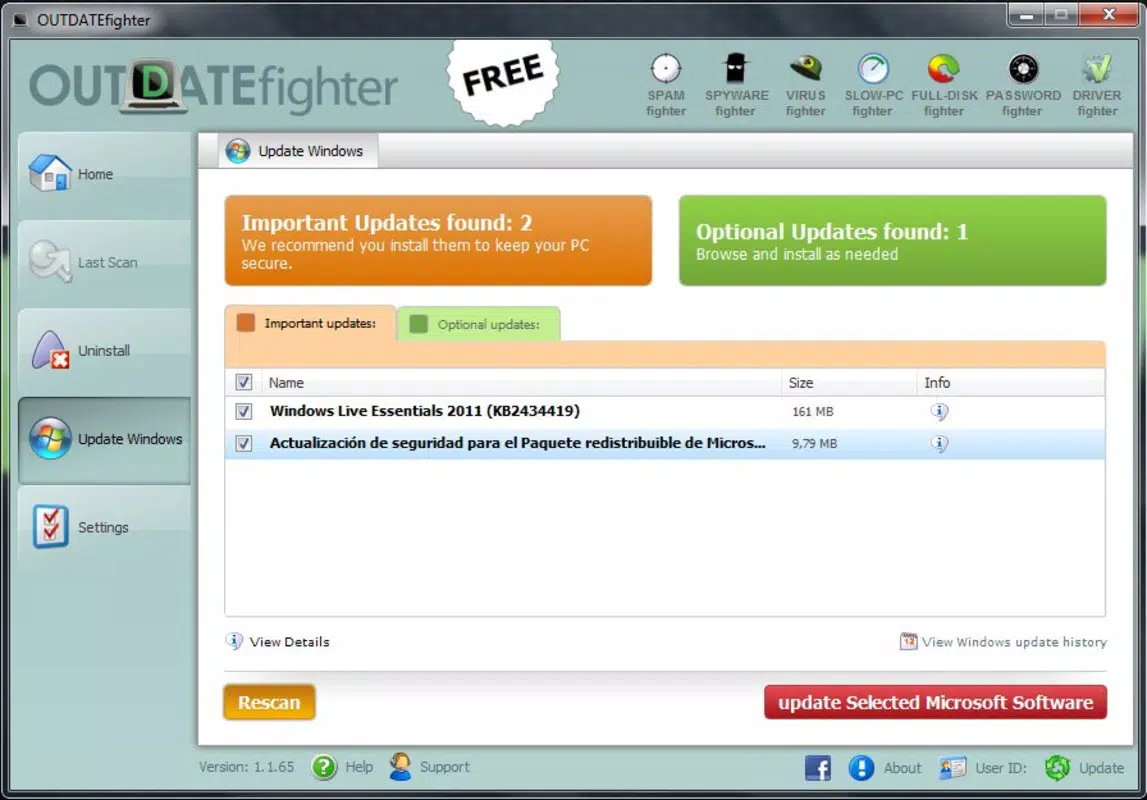
- Easy Software Updates: OUTDATEfighter scans the system to detect outdated software and provides a centralized interface to update multiple programs at once. This reduces manual effort and ensures that critical patches are not missed.
- Malware Detection: Every file downloaded during the update process is scanned for potential threats, helping prevent the installation of malicious software. This adds a security layer to the update workflow.
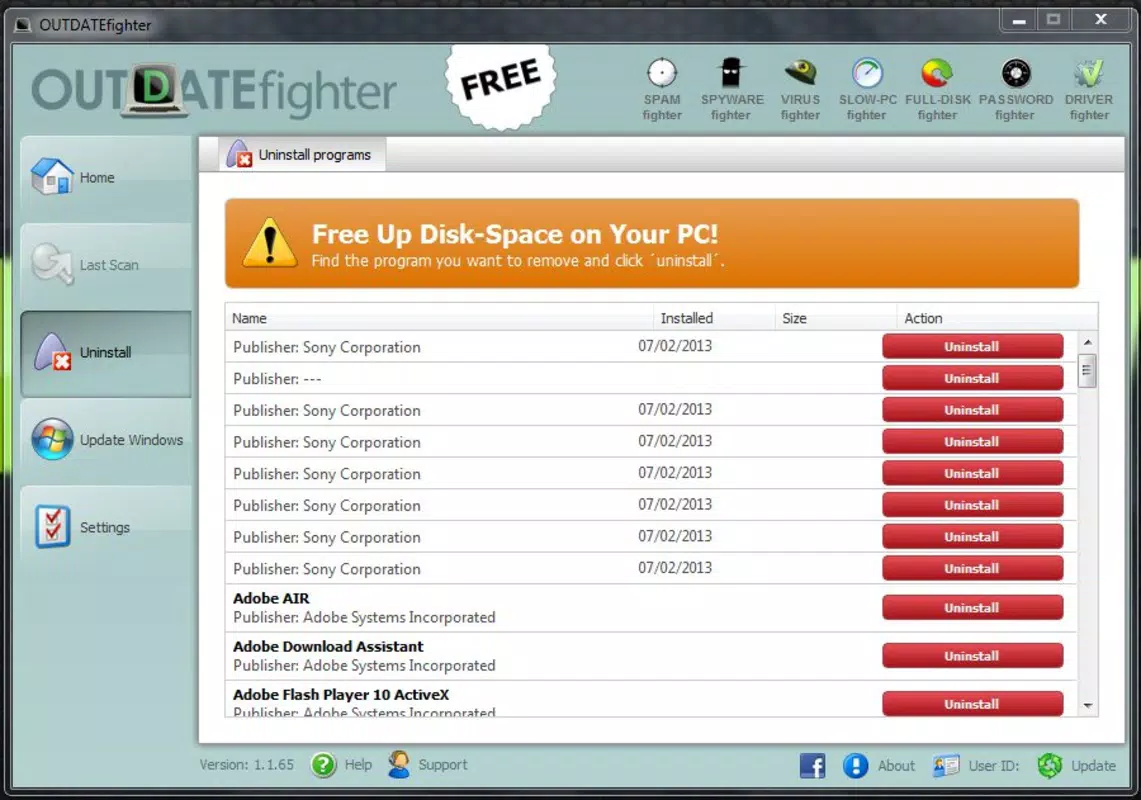
- Integrated Uninstaller: The app includes a built-in tool to remove unwanted or unused software, helping users reclaim disk space and reduce system clutter.
- Real-time Notifications: System crawlers continuously monitor for new software versions, delivering timely alerts so users can update promptly and avoid security risks.
- Resource Optimization: By ensuring software is current, the app helps improve CPU and RAM efficiency, contributing to faster performance and longer device lifespan.
For example, a user managing multiple software tools for work can use OUTDATEfighter to batch-update all outdated programs in minutes. Another scenario involves a home user who receives a notification about a new version of a media player, allowing them to update securely without downloading from third-party sites. These features collectively support a safer, more efficient computing experience.
Interface, UX & Performance
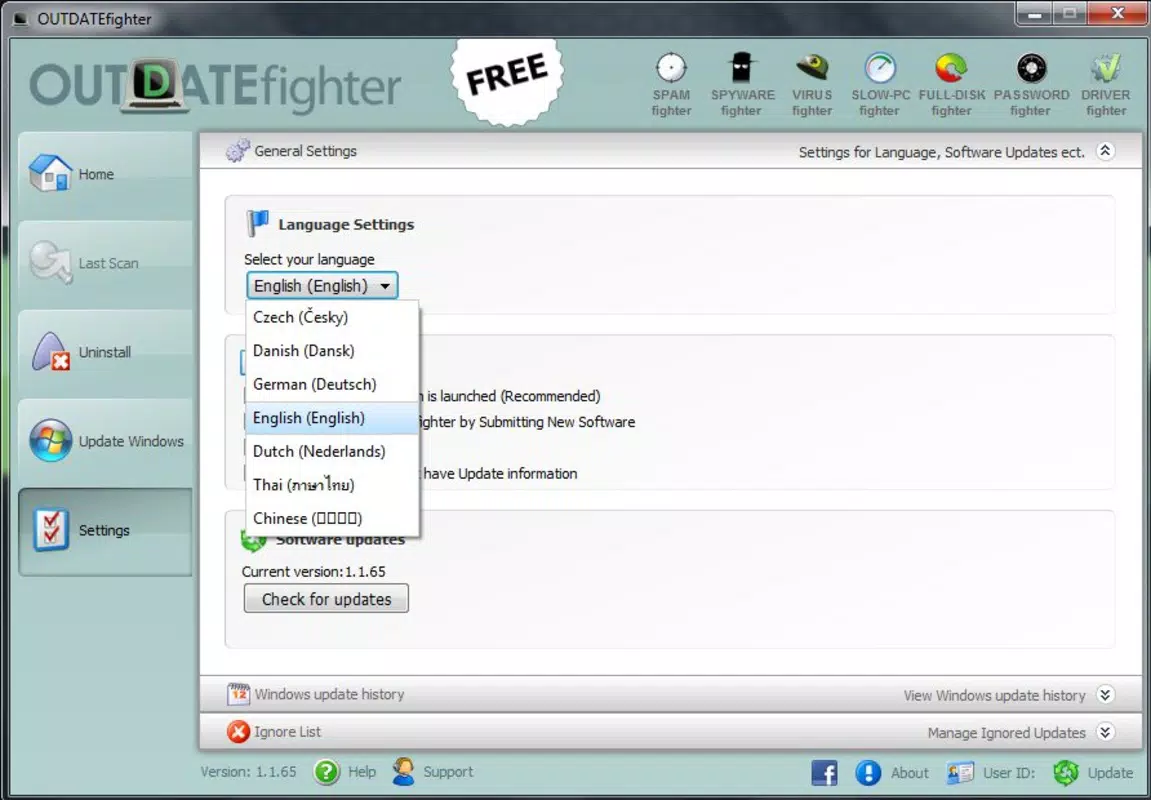
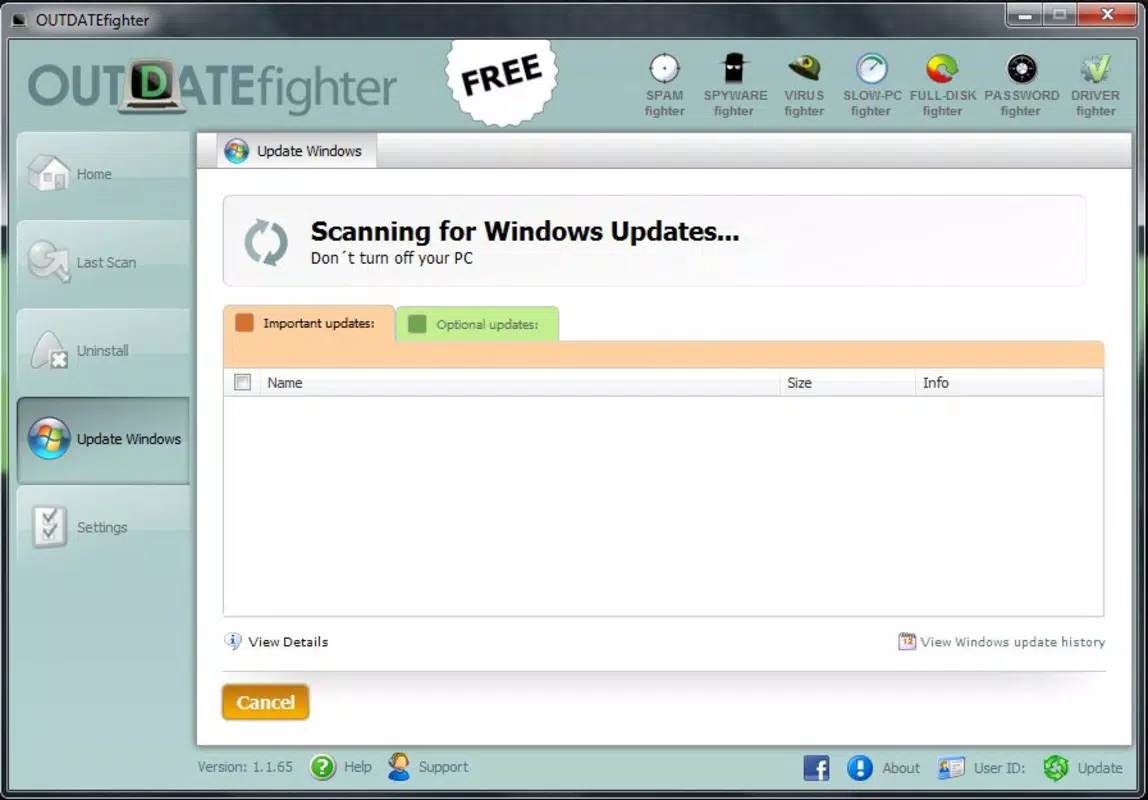
OUTDATEfighter features a clean, user-friendly interface designed for straightforward navigation. The layout organizes core functions—updates, scans, uninstallation, and notifications—into clearly labeled sections, minimizing the learning curve for new users. Visual design elements are minimalistic, focusing on functionality over decorative features, which aligns with its productivity-oriented purpose.
Navigating between features is intuitive, with a consistent menu structure that allows users to access scanning tools, view update recommendations, and manage uninstalled programs without confusion. The app responds promptly to user inputs, suggesting stable performance during routine operations. Although the developer did not list formal performance metrics, the application’s lightweight size of 15.4 MB suggests efficient resource usage.
Performance across different device categories is not explicitly detailed. However, the app’s small footprint and focus on background scanning imply compatibility with a wide range of Windows systems, including those with limited processing power. Responsiveness and stability appear to be prioritized, as the app maintains functionality during continuous monitoring tasks. No reports of crashes or freezes were mentioned in the available data.
Platform Compatibility & Technical Requirements
OUTDATEfighter is designed for the Windows platform and requires a compatible Windows operating system. The current version is 1.0.1, with a file size of 15.4 MB. The developer did not specify minimum OS requirements, nor did they list supported Windows versions such as Windows 10, 11, or earlier editions.
Compatibility information was not fully disclosed, so users should verify system compatibility before installation. The app is not available for macOS, Android, or iOS, as no cross-platform support was indicated. Installation is likely straightforward, given the small file size and typical setup process for Windows utilities.
Users should ensure their system meets basic requirements for running Windows applications, such as sufficient disk space and administrative privileges. No additional hardware specifications were provided.
Pros and Cons
Pros
- Centralized interface for managing software updates and system maintenance
- Integrated malware detection enhances security during updates
- Built-in uninstaller helps free up disk space efficiently
- Real-time monitoring reduces the risk of missing critical updates
- Lightweight design with minimal impact on system resources
Cons
- Developer did not provide detailed information about system requirements
- Price of $19.99 may be considered high for a utility tool with limited public reviews
- No information on update frequency or support lifecycle
- Not available on mobile platforms such as Android or iOS
- Compatibility with modern Windows versions is not confirmed
FAQ
Is OUTDATEfighter safe to install on my Windows PC?
Yes, the app is designed to scan and update software safely. It includes malware detection to protect users during the update process. However, always ensure you download the application from the official source to avoid unauthorized versions.
Can I use OUTDATEfighter on multiple Windows devices?
The developer did not specify licensing terms for multiple installations. Users should refer to the official purchase agreement for details on device usage rights.
Does OUTDATEfighter work on Windows 10 and Windows 11?
While the app is designed for Windows, specific compatibility with Windows 10 or 11 was not confirmed. Users are advised to test the application on their system before relying on it for critical maintenance tasks.
How often does OUTDATEfighter check for updates?
The app uses system crawlers to monitor for new software versions in real time. Notifications are delivered as updates become available, ensuring timely access to the latest versions.
Is there a free version or trial of OUTDATEfighter?
Based on the provided information, the app is available for a one-time purchase of $19.99. No free trial or demo version was mentioned.
Final Thoughts
OUTDATEfighter presents a compelling solution for users seeking a unified tool to manage software updates, enhance security, and optimize system performance. Its combination of update management, malware scanning, and uninstallation features makes it a valuable asset for both personal and professional use. While the lack of detailed compatibility and support information is a notable limitation, the app’s long-standing presence and lightweight design suggest reliability.
For individuals who prioritize system stability and security, especially those managing multiple applications, OUTDATEfighter offers a streamlined workflow that saves time and reduces risks. Its value proposition lies in simplifying routine maintenance tasks that are often overlooked. Despite the price point, the app’s comprehensive feature set justifies its cost for users who need a dependable system maintenance tool.
Download OUTDATEfighter now


